Cafans Journal
Stories & FindsCAFANS Guide: Using OrientDig for Smarter Shopping
CAFANS Guide: Using OrientDig for Smarter Shopping
If you have spent any time browsing community shopping forums, you have probably run into the term CAFANS. It refers to a style of collective, agent-assisted shopping in which buyers use a purchasing agent to order items from Chinese marketplaces, consolidate parcels, and manage international shipping. This guide focuses on how OrientDig fits into that workflow and how you can get the most out of it.
What Is OrientDig?
OrientDig is a shopping agent platform that lets you paste product links from supported marketplaces, place an order, and have the item inspected, stored, and shipped to your address. For CAFANS-style buyers, the appeal is straightforward: you get access to a huge catalog, quality-control photos before shipping, and the ability to combine multiple purchases into one parcel to reduce freight costs.
The platform works best when you treat it like a tool rather than a store. You supply the links; OrientDig handles the transaction, warehousing, and logistics. That division of labor is the heart of the CAFANS approach.
Start With the OrientDig Spreadsheet
Experienced buyers rarely browse blindly. Instead, they rely on a curated OrientDig spreadsheet — a community-maintained list of product links organized by category, with notes on sizing, materials, and seller reliability. The spreadsheet is not an official catalog, so treat it as a starting point rather than a guarantee.
A good OrientDig spreadsheet usually includes:
- Category tabs (footwear, outerwear, accessories, home goods)
- Price ranges and currency notes
- Seller or listing identifiers
- Community feedback such as fit notes or batch quality
Because links can expire, always verify that a listing is still active before adding it to your cart. Cross-check sizes against the seller's measurement chart, not just the tag.
Reading an OrientDig Guide Before You Buy
A solid OrientDig guide should answer three questions: how to submit an order, how to review warehouse photos, and how to choose a shipping line. Many first-time buyers skip straight to checkout and then feel lost when a QC photo arrives. Slow down and read the beginner sections first.
Pay attention to these details:
- Order submission: paste the link, select variant, and confirm the price shown.
- QC inspection: request additional photos if stitching, logos, or measurements matter to you.
- Storage windows: free storage is time-limited, so plan consolidation early.
- Shipping lines: compare cost, tracking quality, and estimated transit time.
Using OrientDig Product Links Correctly
Most ordering problems start with bad OrientDig product links. A clean link points to a single listing with a clear variant selector. If the link opens a storefront or a search page, the agent cannot reliably identify the item. Copy the link directly from the product page, avoid shortened URLs, and double-check that the variant (color, size, bundle) matches what you want.
When a listing has multiple options, write a short note in the order remarks. Something like “size 42, black, boxed version” removes ambiguity and reduces the chance of a wrong pick.
The OrientDig Shopping Guide in Practice
A practical OrientDig shopping guide boils down to a repeatable routine. Here is a workflow that works well for CAFANS buyers:
- Collect links from the spreadsheet and save them in a notes file.
- Verify each listing — check variant availability and recent reviews.
- Submit orders in small batches so QC issues are easier to isolate.
- Review QC photos within the inspection window and request exchanges if needed.
- Consolidate items into one parcel once everything passes inspection.
- Choose a shipping line based on budget and urgency, then track the parcel.
- Record results so future orders go faster.
Budgeting and Avoiding Common Mistakes
New buyers often underestimate total cost. The item price is only part of the equation — domestic shipping to the warehouse, service fees, international freight, and possible customs duties all add up. Build a buffer of 20–30% over the listed price.
Common pitfalls include ordering during peak holiday periods, ignoring measurement charts, and forgetting that storage deadlines apply. Another frequent mistake is requesting last-minute changes after a parcel has been packed; once consolidated, reversing the shipment is difficult and costly.
Why the CAFANS Community Values Transparency
The CAFANS ethos is built on shared information. Spreadsheets, reviews, and shipping-line comparisons all come from buyers documenting their experiences. If you benefit from that, contribute back: note accurate fit details, flag dead links, and report shipping times honestly. That keeps the ecosystem useful for everyone.
Final Thoughts
OrientDig is a capable agent platform, but results depend on how you use it. Lean on the spreadsheet for discovery, read a guide before your first order, submit clean product links, and follow a consistent shopping routine. Do that, and the CAFANS workflow becomes predictable, budget-friendly, and far less stressful.
Editor's selection
Popular Products

Ph076 Breathable Running Shoes - CSSBuy spreadsheet - 136150

Men's Casual Shoes - CSSBuy spreadsheet - 135435

Casual Shoes - Kakobuy spreadsheet - 136046
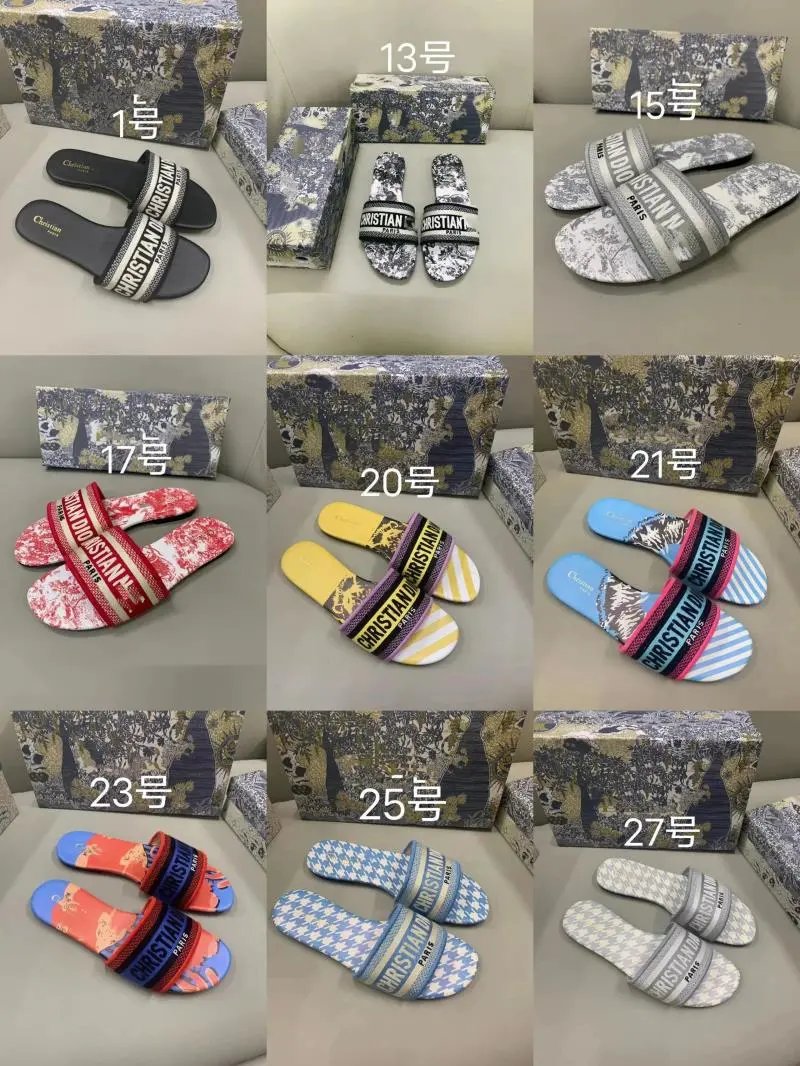
DS Slippers - Wheebuy spreadsheet - 135724

Outerwear Jacket - Rizzitgo spreadsheet - 136656
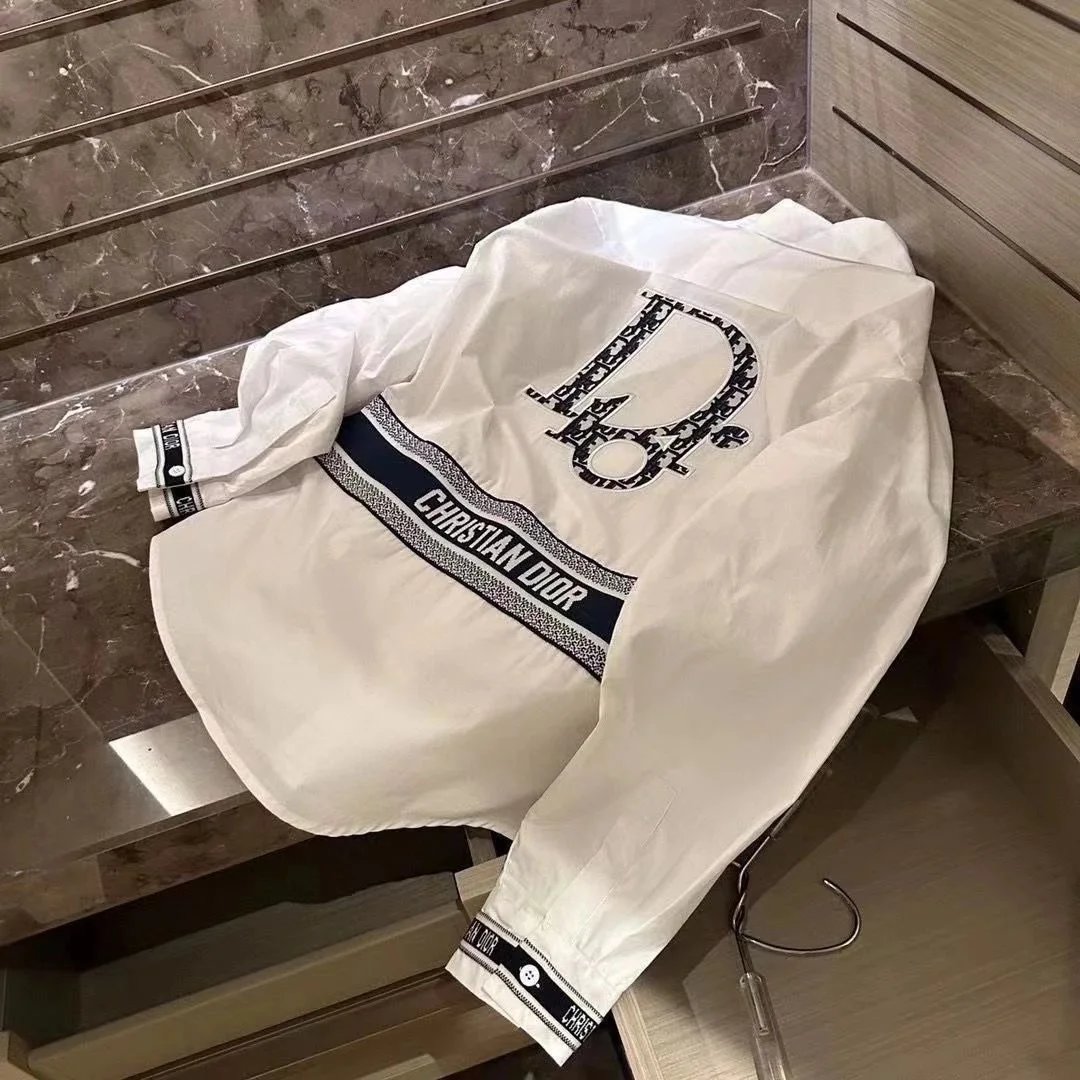
Outerwear Jacket - Sugargoo spreadsheet - 136623

Accessories - UIDBuy spreadsheet - 140922