Cafans Journal
Stories & FindsCSSBuy Guide: Your Complete CAFANS Shopping Handbook
CSSBuy Guide: Shopping Smarter with CAFANS
If you have spent any time browsing online marketplaces for sneakers, streetwear, or accessories, you have probably heard of CSSBuy. This CSSBuy guide walks you through everything a new shopper needs to know, from understanding the platform to building your first order. Whether you are a seasoned agent user or a complete beginner, this CSSBuy shopping guide will help you navigate the process with confidence.
What Is CSSBuy?
CSSBuy is a shopping agent platform that connects international buyers with sellers on Chinese marketplaces. Instead of purchasing directly, you submit product links, and the platform purchases the items on your behalf, receives them at a warehouse, performs quality control (QC), and then ships them internationally. This model gives you access to a huge range of products, including sneakers, hoodies, jackets, bags, watches, and accessories, often at competitive prices.
The appeal is straightforward: a single dashboard, consolidated shipping, and the ability to inspect QC photos before committing to international delivery. For many shoppers, CSSBuy has become a reliable entry point into the world of agent-based purchasing.
Getting Started: The CSSBuy Guide for Beginners
Your first step is to create an account on the platform. Registration is simple and free, and it unlocks your personal warehouse address. Once registered, you can begin submitting CSSBuy product links. These links usually come from marketplace listings or seller pages, and the platform will parse the details for you.
Before you submit anything, it helps to plan. Many experienced shoppers keep a CSSBuy spreadsheet to track items, prices, sizes, and seller details. A spreadsheet is not mandatory, but it makes budgeting and comparing options much easier, especially when you are building a haul with multiple items.
How to Submit Orders
Submitting an order is the core action in any CSSBuy guide. The process generally looks like this:
- Paste the product link into the order form.
- Select the variant, such as size, color, or model.
- Add notes for the agent if you have specific requests.
- Confirm the price and pay using a supported payment method.
After payment, the agent purchases the item and it is shipped to the warehouse. When it arrives, you receive QC photos. Review these carefully, because this is your chance to catch defects, wrong sizes, or incorrect colors before international shipping.
Understanding QC Photos
Quality control is one of the most valuable parts of the CSSBuy experience. QC photos typically show the item from multiple angles, including close-ups of stitching, logos, tags, and soles for footwear. If something looks off, you can request a return or exchange through the platform before the item leaves the warehouse.
Keep in mind that QC photos are your responsibility to review. Many shoppers use a checklist or spreadsheet to compare received items against the listing details.
Building a Haul and Shipping
Once your items arrive at the warehouse, you can combine them into a single shipment. This is called consolidation, and it usually reduces shipping costs compared to sending items individually. You will choose a shipping line based on destination, speed, and budget. Common options include economy lines, express lines, and lines with specific weight or size restrictions.
Before shipping, confirm the parcel weight and dimensions. Some lines charge volumetric weight, so packing efficiently matters. Declaring a reasonable value and following local customs rules is also important.
Using a CSSBuy Spreadsheet
A CSSBuy spreadsheet is a simple but powerful tool. It can include columns for item name, seller, price, size, weight, QC status, and shipping status. Spreadsheets help you avoid duplicate purchases, track spending, and plan a haul that fits your budget. Many community members share spreadsheet templates that you can adapt to your own needs.
Tips for a Smooth CSSBuy Shopping Guide Experience
- Read seller reviews before ordering, and check recent feedback.
- Compare prices across listings using your spreadsheet.
- Ask questions through the agent chat if sizing or materials are unclear.
- Review QC photos promptly to avoid warehouse storage fees.
- Consolidate shipments to save on international postage.
- Track your parcel and keep records of order numbers.
Common Product Categories
Shoppers use CSSBuy for a wide variety of categories, including sneakers, hoodies, T-shirts, jackets, pants, bags, backpacks, watches, hats, socks, belts, and phone accessories. Each category has its own sizing conventions, so checking measurements and QC details is always wise.
Final Thoughts
CSSBuy offers a structured way to shop international marketplaces with warehouse QC and consolidated shipping. This CSSBuy guide is designed to give you a clear starting point, but the best approach is to start small, learn the workflow, and build confidence. Use product links wisely, keep a spreadsheet, review QC photos carefully, and choose shipping lines that match your priorities. With a little practice, the CSSBuy shopping guide process becomes second nature.
Editor's selection
Popular Products

Nike Air Jordan 1 Low Sneakers - Various Colors and Styles - 135708

Prada Red and Grey Sneakers - Comfortable and Stylish Athletic Shoes - 135435

Adidas Originals Pro Model 2G White High-Top Sneakers - 136046

SuperAm Retro Running Shoes - Comfortable and Stylish Sneakers for Men and Women - 136139

The R0ger Pro 3 Sneakers - Shoe Spreadsheet, Footwear Finds, Shoe Picks, Shoe List - 142664

AJ 13 He Got Game Sneakers - Shoe Spreadsheet, Shoe List, Footwear Picks, Shoe Finds - 142009
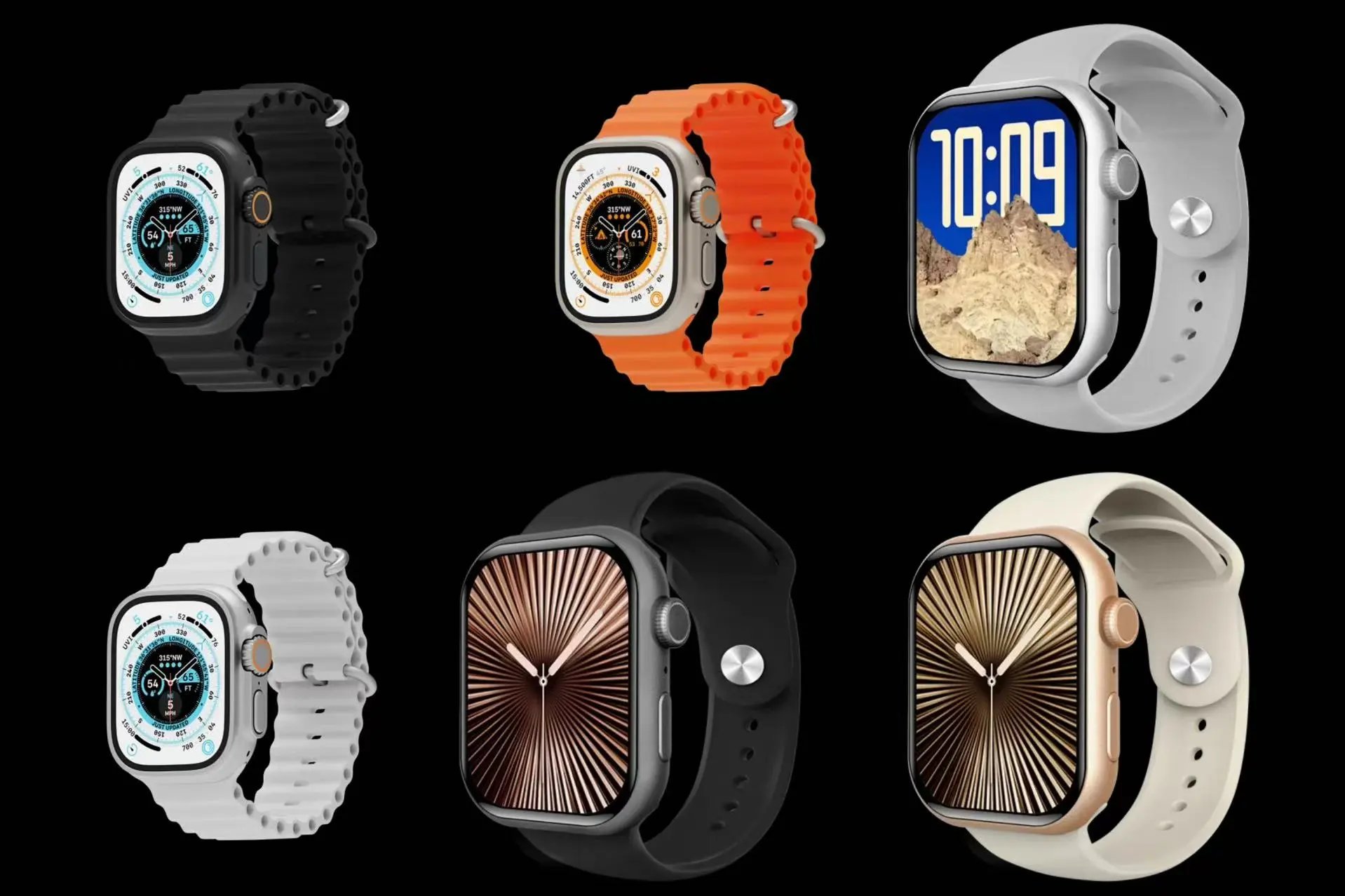
ABAF Ultra2 and S10 Smartwatches - Watch Spreadsheet, Watch List, Accessory Finds, Timepiece Picks - 141750
