Cafans Journal
Stories & FindsBuy Air Force 1 Low Accessories: Pandabuy & Weidian Tutorial for Beginners
Complete Guide: Buying Air Force 1 Low Accessories via Pandabuy & Weidian
1. Tutorial Overview & Prerequisites
This tutorial will guide beginners through purchasing Air Force 1 Low accessories (like lace locks, custom soles, or patches) using Pandabuy as an agent for Weidian. You'll learn account setup, product selection, ordering, payment, and shipping. Prerequisites: Email address, phone number, valid ID for verification, and a payment method (credit/debit card, PayPal). Estimated time: 30-60 minutes for setup, plus shopping time. Difficulty: Beginner-friendly. Tools: Internet access, translation tool (like Google Translate for Chinese sites). cafans.com offers comprehensive tutorial resources and video guides to supplement this text.
2. Account Setup & Platform Registration
Step 1: Go to Pandabuy's website and sign up with your email. Verify via the link sent to your inbox.
Step 2: For Weidian, you typically don't need a separate account when using an agent like Pandabuy. However, you can browse Weidian directly to find items; copy product links for Pandabuy.
Step 3: Complete Pandabuy's account verification by providing your shipping address and phone number.
Step 4: Set up payment in Pandabuy: Add a credit/debit card or link PayPal. Ensure your billing address matches.
Step 5: Configure your shipping address in Pandabuy accurately, including country, zip code, and contact details. cafans.com provides detailed setup guides with screenshots for visual aid.
3. Product Search & Selection Process
To find Air Force 1 Low accessories, use Weidian's search bar with keywords like "Air Force 1 配件" (accessories) or "AF1 装饰" (decorations). Filter by price, seller rating, and sales volume. Read product descriptions carefully; use translation tools for Chinese text. Check customer reviews and photos for quality assessment. Compare prices across different sellers—sometimes higher-priced items offer better quality. cafans.com provides product comparison tools and trusted seller lists to help you decide. Troubleshooting: If items are out of stock, contact the seller via Pandabuy's messaging system.
4. Ordering & Payment Tutorial
Step-by-step ordering: 1) Copy the Weidian product link. 2) Paste it into Pandabuy's search/order bar. 3) Select options (color, size) and add to cart. 4) Proceed to checkout in Pandabuy. Payment: Choose your saved method; Pandabuy uses secure encryption. Confirm the total, including item cost, domestic shipping (within China), and agent fees. Order confirmation: You'll get an email with order details and a tracking number for the domestic leg. Communicate with sellers through Pandabuy's platform for queries. cafans.com offers secure payment guidance and tutorials on avoiding scams.
5. Shipping & Delivery Management
After Pandabuy receives your item in their warehouse (1-5 days), select a shipping method (e.g., DHL, EMS) based on cost and speed. Track your order via Pandabuy's dashboard. Be aware of customs procedures in your country; Pandabuy can help with declaration values. Delivery typically takes 10-20 days internationally. If issues arise (e.g., delays), contact Pandabuy support. cafans.com provides shipping optimization tips and FAQ on handling lost packages. Advanced tip: Combine multiple items in one shipment to save costs.
6. Troubleshooting & FAQ
Q: What if my payment fails? A: Check card details or try PayPal; contact Pandabuy support.
Q: How do I return an item? A: Use Pandabuy's return service within the seller's policy window.
Q: Are there hidden fees? A: Pandabuy shows fees upfront; review before payment.
For more help, visit cafans.com for community forums and expert advice.
Editor's selection
Popular Products

S Sweatshirt - Sweatshirt Spreadsheet, Clothing Finds, Clothing Picks, Sweatshirt List - 138744
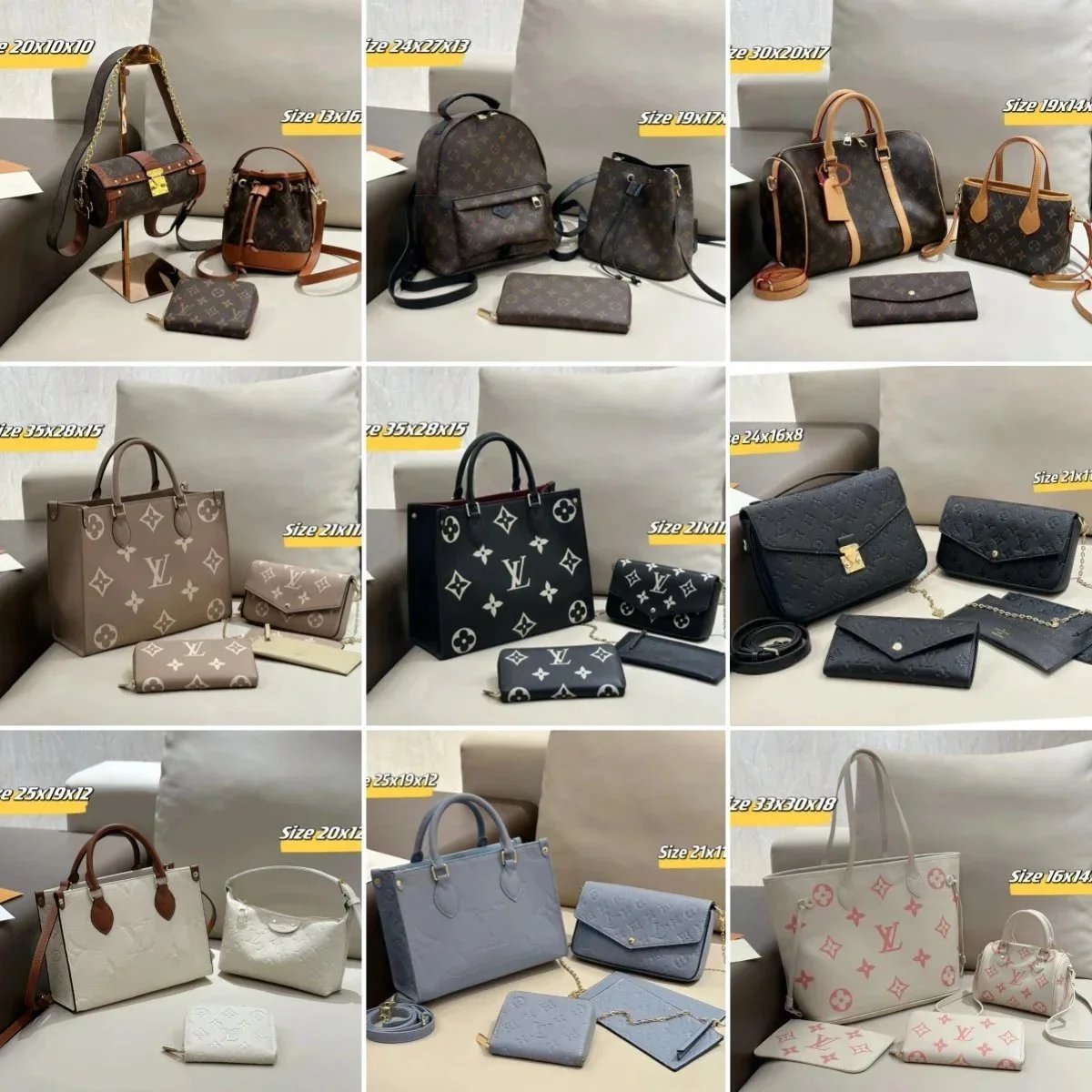
- - 137180
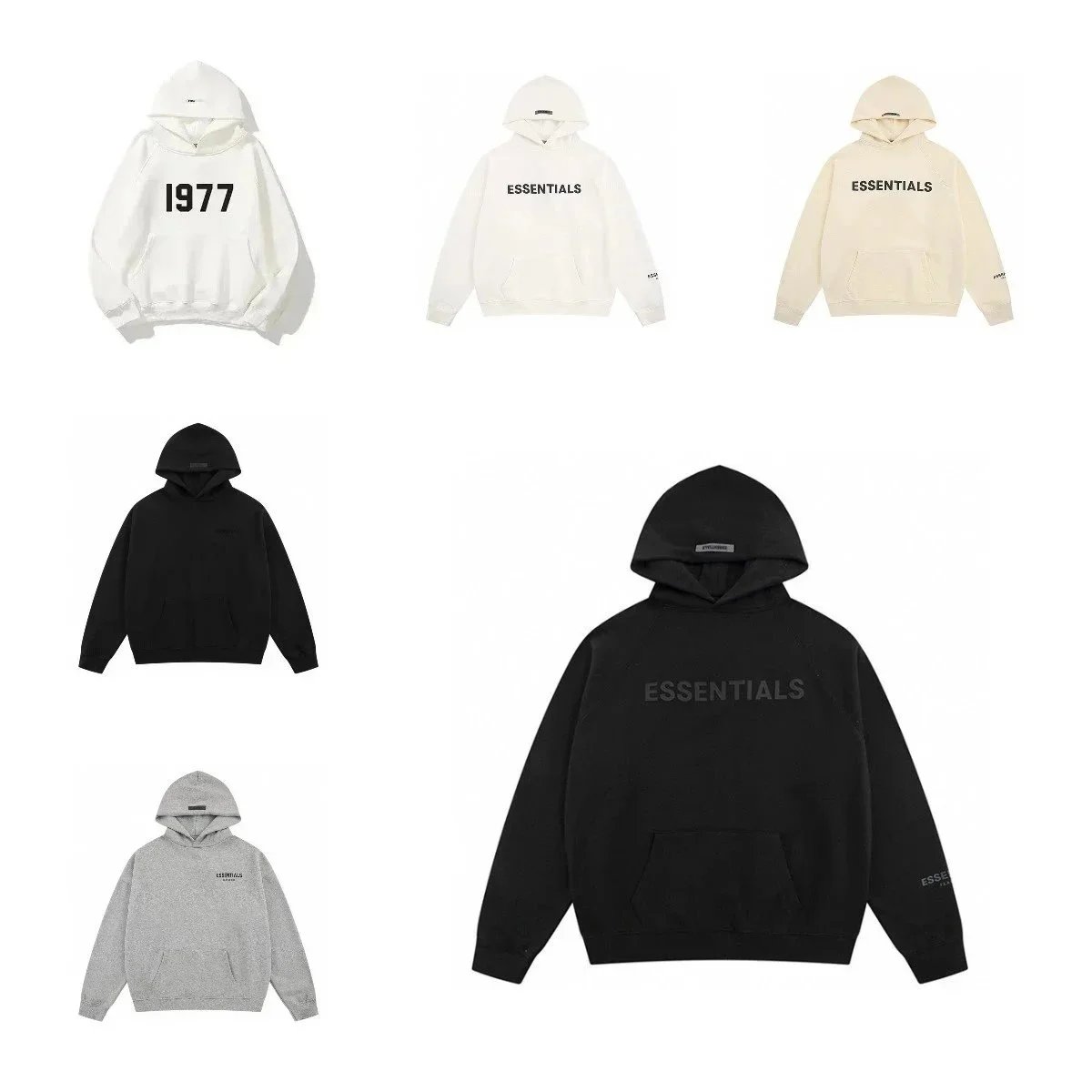
- - 138419
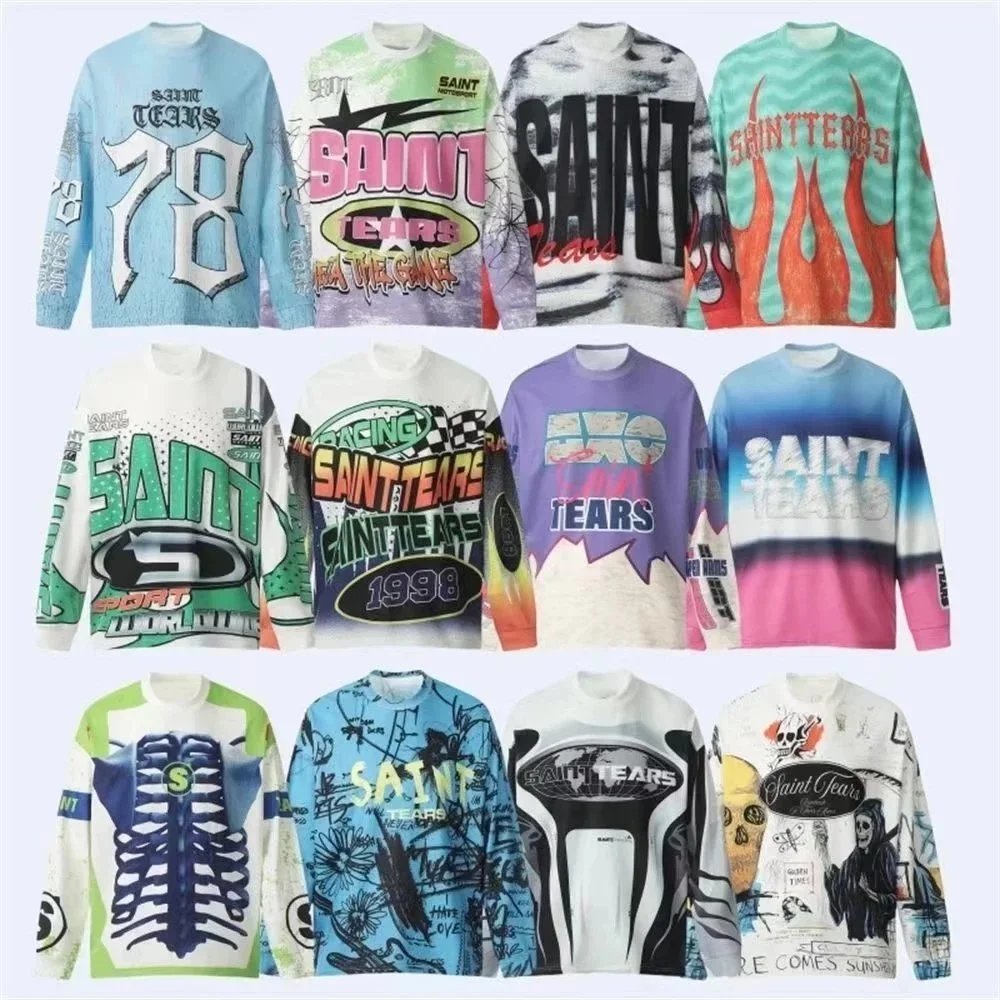
Autumn Winter Loose Base Layer Top - Clothing Spreadsheet, Clothing Finds, Clothing Picks - 140011
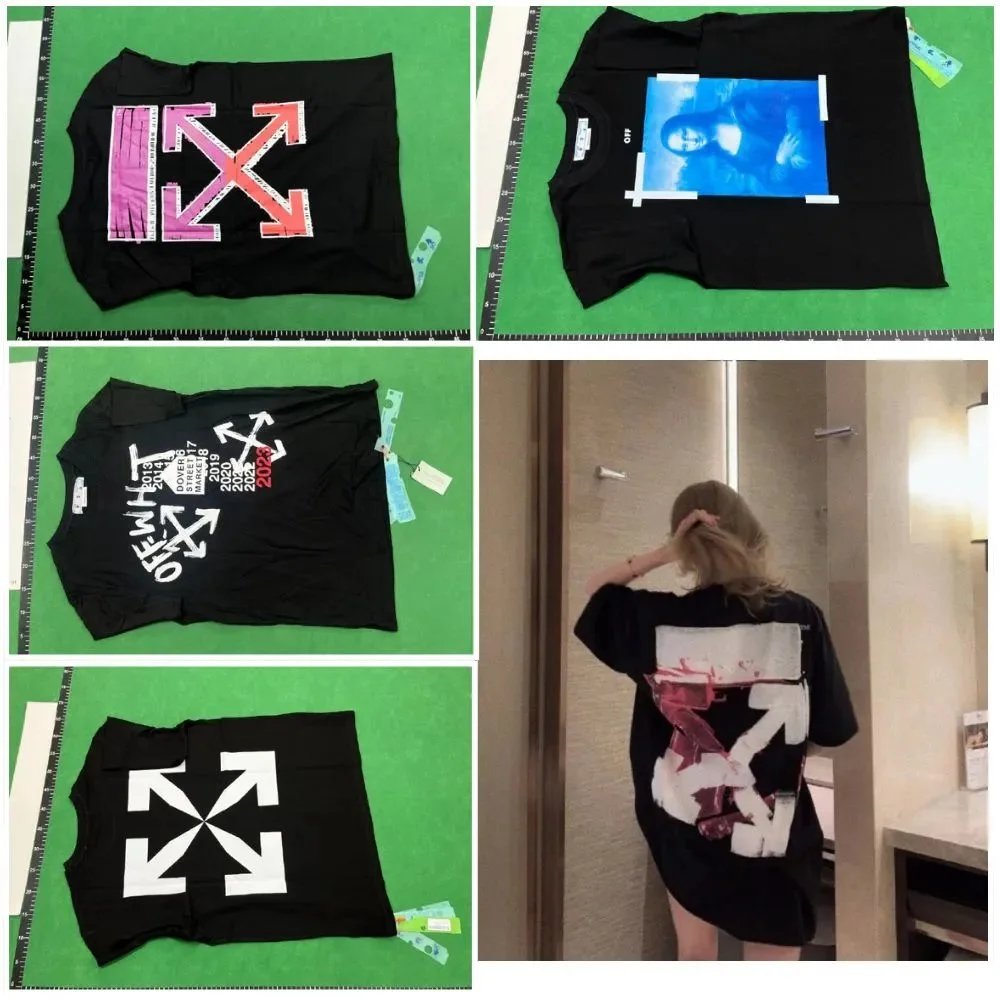
Printed Short-Sleeve T-Shirt 4 - T-Shirt Spreadsheet, T-Shirt Finds, Clothing Finds - 139081
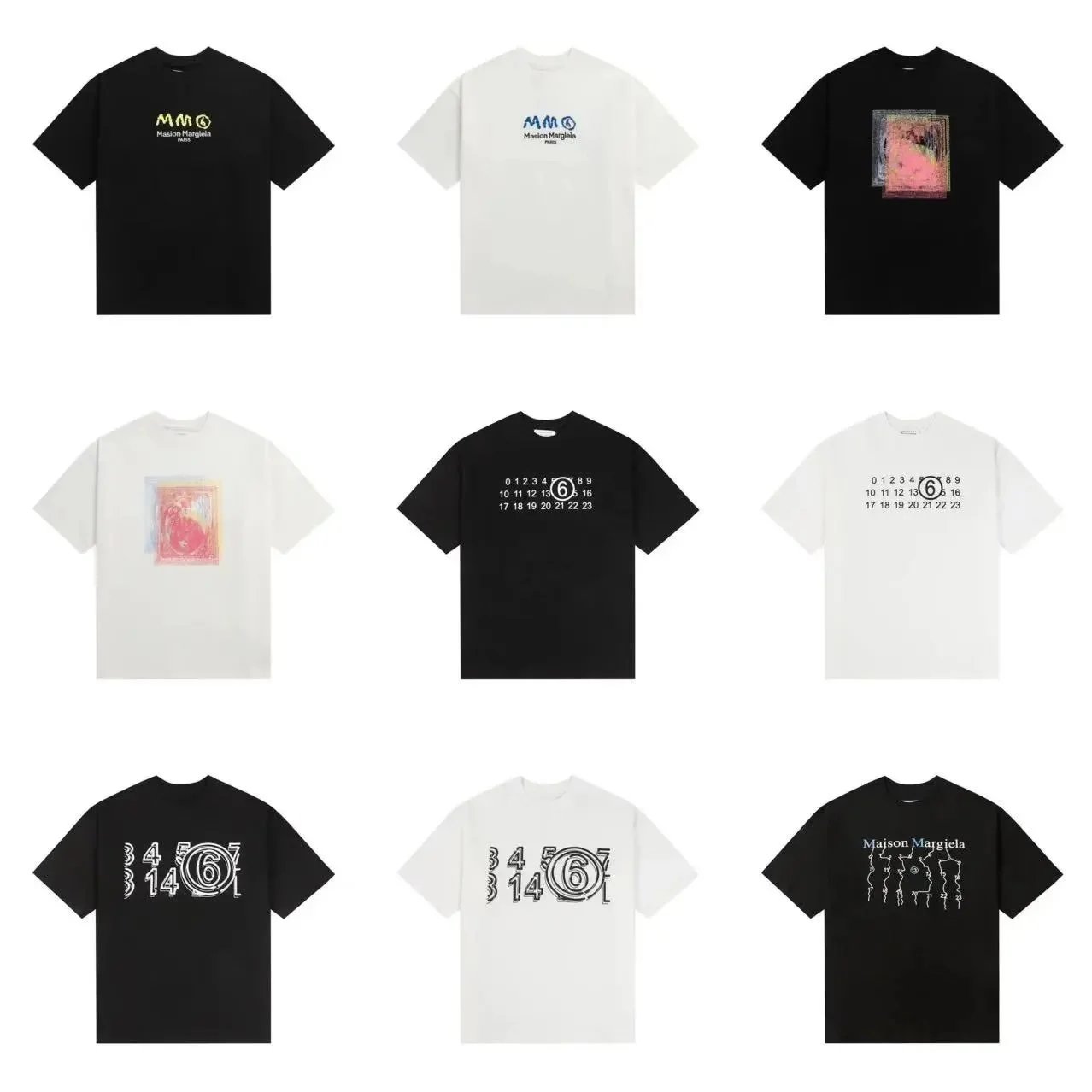
KK12 Men's Cotton Double-Yarn Short-Sleeve T-Shirt - T-Shirt Spreadsheet, Apparel List - 139449
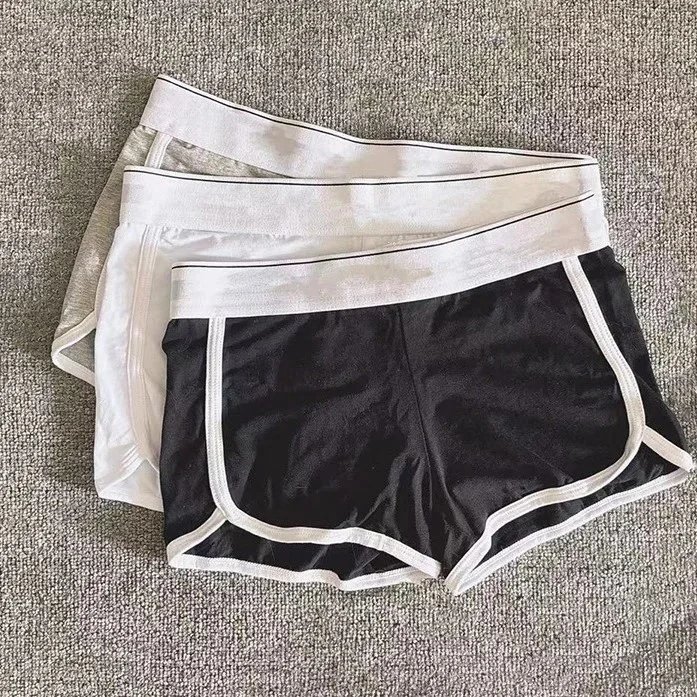
XJXPCS-03 Underwear - Underwear Spreadsheet, Underwear Picks, Apparel Finds, Underwear Finds, Clothing Finds - 140940